retail-store-analysis
🛒 Retail Store Analytics System using YOLOv8 & Streamlit
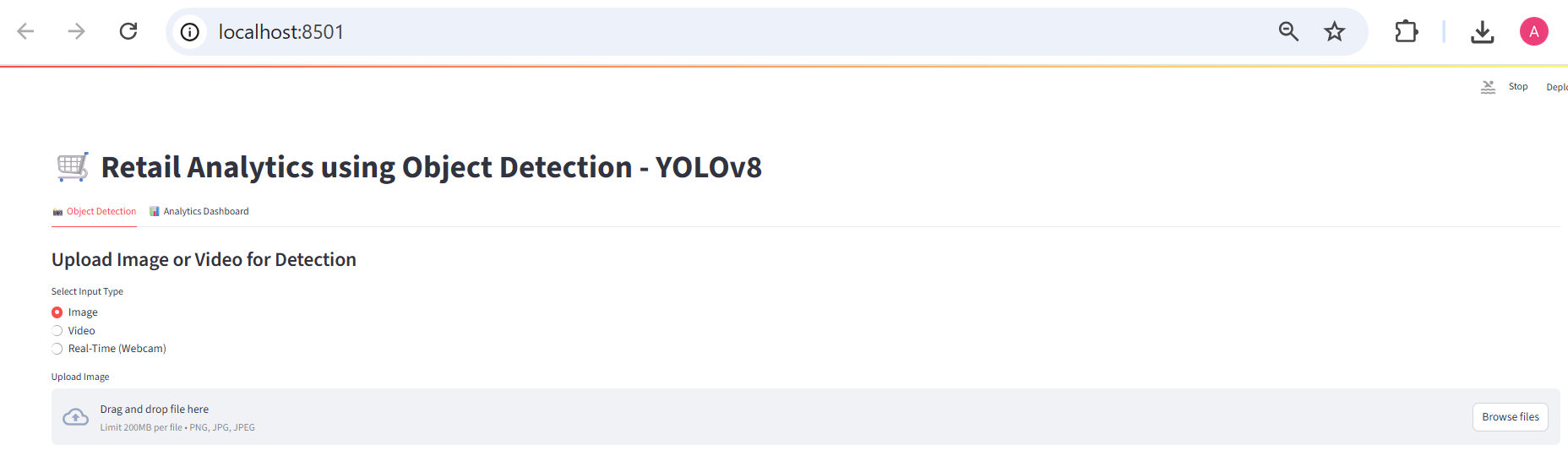
An end-to-end real-time object detection and analytics solution designed for retail stores. Built using Python, YOLOv8, OpenCV, and Streamlit, this system monitors customer activity, detects footfall, and visualizes key retail metrics.
🚀 Features
- 📸 Image, Video, and Real-Time Webcam Input
- 🧠 Object detection powered by YOLOv8
- 👥 Person count and activity tracking
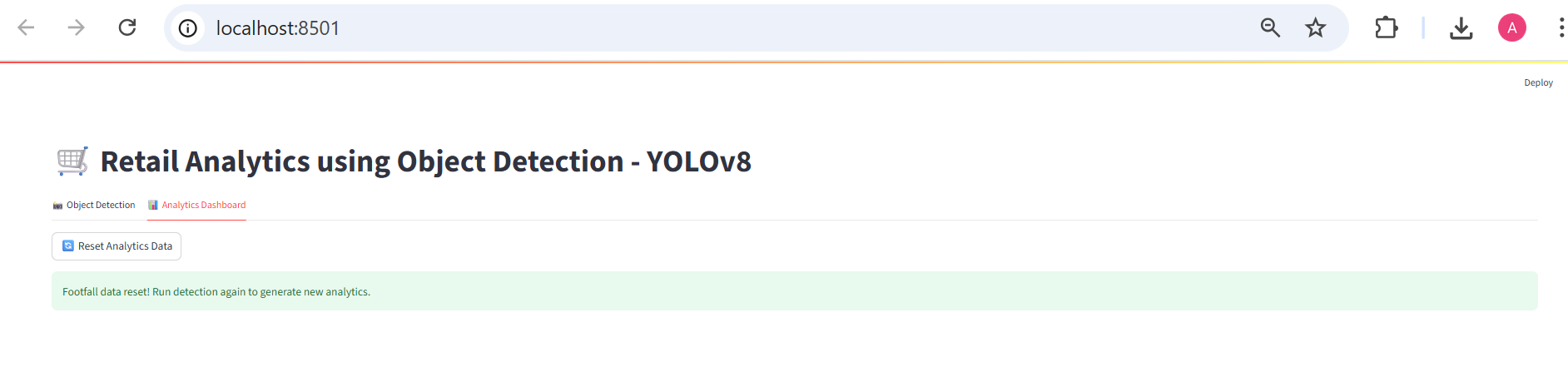
- 📊 Analytics dashboard with:
- Total visitors
- Peak time of the day
- Line chart: Footfall over time
- Bar chart: Hourly visitor distribution
- CSV download of visitor logs
- 🗃️ Logs stored in
analytics/footfall.csv - 🎯 Designed for hackathons & real-world deployment
🖼️ Screenshots
🎥 Real-Time Detection Interface
📈 Analytics Dashboard
🛠️ Tech Stack
| Tool | Purpose |
|---|---|
| Python | Core programming language |
| YOLOv8 | Object detection (via Ultralytics) |
| OpenCV | Video and webcam frame processing |
| Streamlit | Web UI and dashboard |
| Pandas | Data logging & CSV export |
| Matplotlib | Graph plotting in dashboard |
📁 Folder Structure
Retail-Analytics/
|-- app.py                  # Main Streamlit app
|-- detect.py               # Image/video/webcam detection logic
|-- dashboard.py            # Analytics dashboard view
|-- models/
     yolov8n.pt          # YOLOv8 pretrained weights
|-- analytics/
     footfall.csv        # Visitor count log
|-- requirements.txt        # Python dependencies
|-- README.md               # Project documentation
|-- presentation.pptx       # (Optional) Hackathon PPT
✅ How to Run
1️⃣ Clone the Repository
git clone https://github.com/your-username/retail-analytics.git
cd retail-analytics
2️⃣ Create a Virtual Environment
python -m venv venv
venv\Scripts\activate       # Windows
# OR
source venv/bin/activate    # macOS/Linux
3️⃣ Install Requirements
pip install -r requirements.txt
4️⃣ Run the App
streamlit run app.py
🎥 Inputs Supported
.jpg,.jpeg,.pngimage formats.mp4,.avi,.movvideo formats- Live webcam (click Start Detection)
📊 Analytics Output
All footfall data is saved in:
analytics/footfall.csv
Sample format:
timestamp,person_count
2025-06-24 14:05:01,3
2025-06-24 14:05:02,2
This data feeds the analytics dashboard automatically.
🎯 Use Cases
- Retail store footfall analytics
- Mall crowd monitoring
- Showroom heatmap analysis
- Queue optimization
- Security surveillance support
🌟 Future Enhancements
- Zone-based detection & heatmap overlays
- Product shelf stock monitoring
- Gender & age group analytics
- Alert system for overcapacity
👨💻 Author
Ankush M., Anjali
Project developed for hackathon & real-world deployment.
📄 License
This project is licensed for educational and non-commercial use only.